
Getting Real County Court Records
No single Real County office keeps every case file. District criminal, civil, family, and juvenile files go to the Real County District Clerk. County-court misdemeanor and probate records stay with the County Clerk. Justice, traffic, small-claims, eviction, and debt files belong to the Justice of the Peace. A city court may handle an ordinance or municipal citation. Confirm that with the municipality itself. The Texas Judicial Branch says its central office does not keep individual trial-court files. So the local office is the official source.
Try the iDocket guest name search first, or use re:SearchTX as a statewide cross-check. For a copy, first confirm the office and the fee. Then call the clerk, stop at the courthouse counter, or mail a written request. The county also accepts public-information requests by mail, fax, or delivery. Those go to the County Judge's office for county-held material. That route still does not turn an administrative request into a certified court-file request.
- Identify the court, case number, parties, and exact record needed.
- Ask the District Clerk, County Clerk, JP, or city court that keeps the file.
- Check iDocket or re:SearchTX, then call when an item is absent.
- State whether the copy should be certified, plain, paper, or electronic.
- Confirm the fee, payment method, delivery route, and response time.
Real County's Split Record Custody
Real County's clerk setup is easy to misread. Current county pages list D'Ann Roosa as both District Clerk and County Clerk. Both offices publish the same main phone number. Their record roles stay distinct, though. The District Clerk serves the 38th District Court record stream. The County Clerk handles county-court misdemeanor, probate, and county-clerk records. JP records do not shift into either office just because the courthouse houses several departments.
The iDocket participation list shows the split plainly. It names the County Clerk, County Court, District Clerk, 38th District Court, Justice of the Peace, and both JP precinct groups. Treat the court shown on a result as a routing clue. Then ask that office for the document itself, not just the index entry.
Court Record Types
A docket sheet is only one product. A Real County court file can hold a lot. It may include the papers that opened the case, later motions, proof of service, hearing notices, signed orders, judgments, and financial entries. Some material exists as a document image. Other items stay paper-only, restricted, or available solely from the clerk. County administrative records are separate from papers filed in a lawsuit or prosecution.
- Docket sheets and chronological case histories
- Petitions, complaints, answers, motions, and notices
- Citations, returns of service, and clerk-issued process
- Signed orders, judgments, dismissals, and dispositions
- Exhibits, transcripts, and linked images when public
A transcript may take a separate request to the court reporter. An exhibit may need a court order or special handling. Name the exact item rather than asking for a whole file when one judgment or docket sheet will do the job.
Real County Docket Versus File
Think of the docket as the index. It lists events in time order. It also shows that a motion, notice, order, or judgment was filed. The Real County court record itself is the actual paper or electronic item. A visible event does not mean its image is free, public, or certified. A missing PDF, in turn, tells you little. It does not prove the clerk lacks the filing.
- Docket sheet
- The case-level register of events and settings.
- Case History
- iDocket's detailed view for filings, process, notices, services, and activity.
- Document image
- A scanned or electronically filed item linked to an event when access permits.
- Certified copy
- A clerk-authenticated copy, unlike a public-search printout.
iDocket states its document images redact Social Security numbers and carry a retrieval watermark. That does not mean every Real County filing has an image. When the index and file do not match, contact the custodian.
Inside a Real County Court Record
Record fields help a requester name the right file and paper. Real County does not publish a public sample, so local event codes and case-number formats should not be guessed. The confirmed field families come from official iDocket help and Real County's participation in that system.
| Case number | The court identifier used for lookup and copy requests; no Real format was confirmed. |
|---|---|
| Parties and attorneys | Names, roles, counsel, and service links shown when public. |
| Case history | Filed events, notices, process, and disposition activity in date order. |
| Orders and judgments | Judge-signed rulings that may be listed before an image is obtained. |
| Financial activity | Fees, costs, fines, bonds, or other vendor-history transactions. |
| Document images | Linked copies subject to access, redaction, and price limits. |
Party names and filing dates help sort similar results apart. The court name matters just as much, since it identifies which clerk can issue the official copy.
Real County Document Image Limits
The iDocket help page describes a free name search. It also covers subscriber tools for advanced search, detailed case history, and document images. Guest results can identify a case number. Subscriber access adds filing and disposition ranges, court, category, case type, attorney, role, and Soundex, a tool for similar-sounding surnames. The help page does not state current image pricing.
When a PDF is missing, check the court and case number, then call the clerk. The item may not be imaged, may predate online coverage, or may have restricted access. Absence alone never proves it is sealed. The statewide re:SearchTX portal offers a second search path, though its Real County coverage and current public access need confirmation.
Fees and Certified Copies
Texas fee schedules vary by custodian and product. A web printout is never a certified copy. District and county clerks authenticate copies under the applicable fee rules, while the JP schedule differs. Real County's public-information rate applies to county-held material. Recording fees listed on the County Clerk page cover documents presented for recording, not court-copy charges.
| Real County record product | Published amount |
|---|---|
| District Clerk certified paper copy | $5 certificate or seal plus $1 per page |
| District Clerk noncertified paper | $1 per page |
| District Clerk electronic document | $1 through ten pages, then $0.10 per added page |
| Search without a docket number | $5 |
| County Clerk certified copy | $5 certification plus $1 per page |
| JP certified copy | $2 first page plus $0.25 per added page |
| County public-information paper | $0.10 per standard page |
The official County Clerk page shows the office and its separate recording instructions.
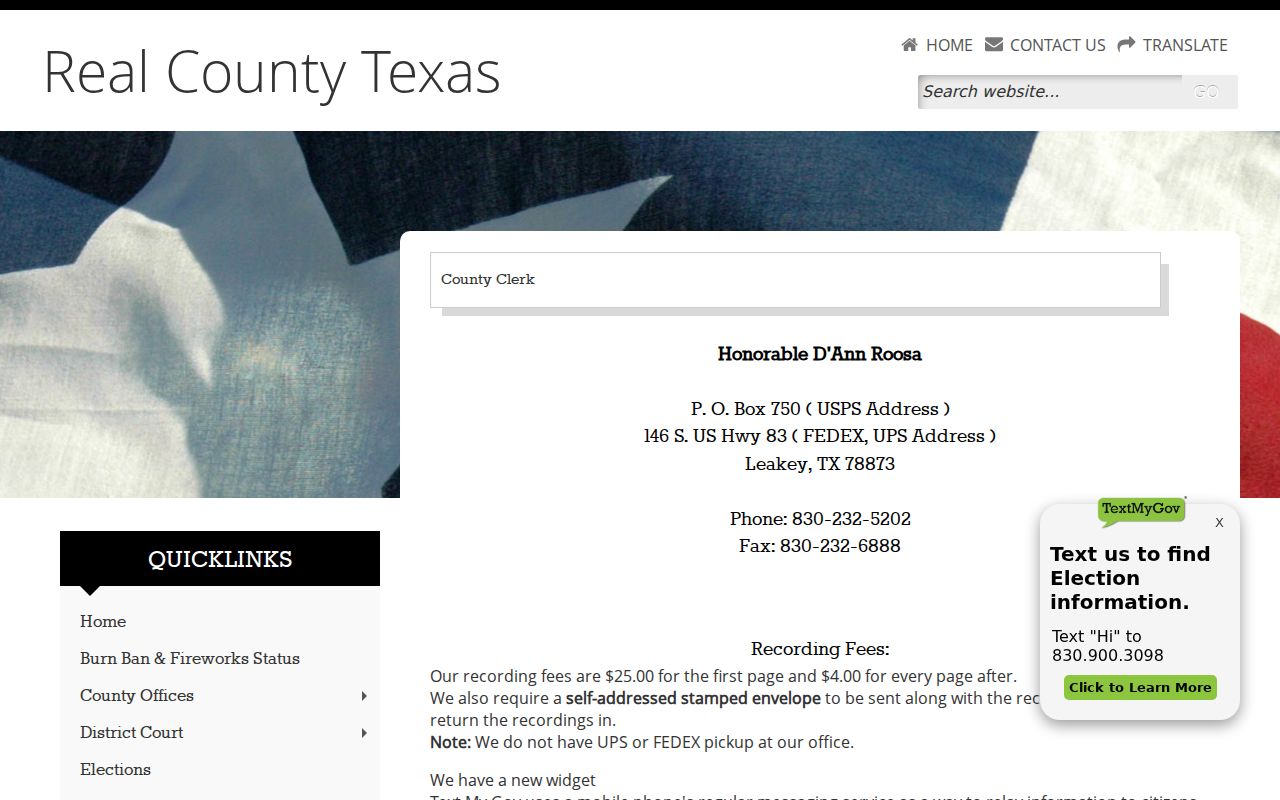
Check this office view to confirm which clerk holds the record before you pay any county-level charge or place a copy order.
Real County District and County Clerk
146 S. US Highway 83
PO Box 750, Leakey, TX 78873
830-232-5202
Write a Real County Record Request
Real County publishes no special PDF for ordering court copies. A plain letter does the job. Name the court and the clerk who serves it. Add the case number if you have it. Include the case style, each party's role, the exact document you want, and the date range. Say whether you need a plain or certified copy. Also say whether paper or electronic delivery works better. Include safe contact details so the clerk can reach you with questions. Leave out private identifiers the office does not need.
Ask the office to confirm the fee, the payment method, your delivery choice, and the expected turnaround. Real County posts no general ID rule and no court-copy response window. If the public-information fallback fits your situation, mail PO Box 446, Leakey, TX 78873, fax 830-232-6040, or hand-deliver the request to the County Judge's office at 146 Highway 83 South. Spell out enough detail that the clerk can find the records without guessing.
The county public-information page lays out those contact routes along with the cost rules that apply.
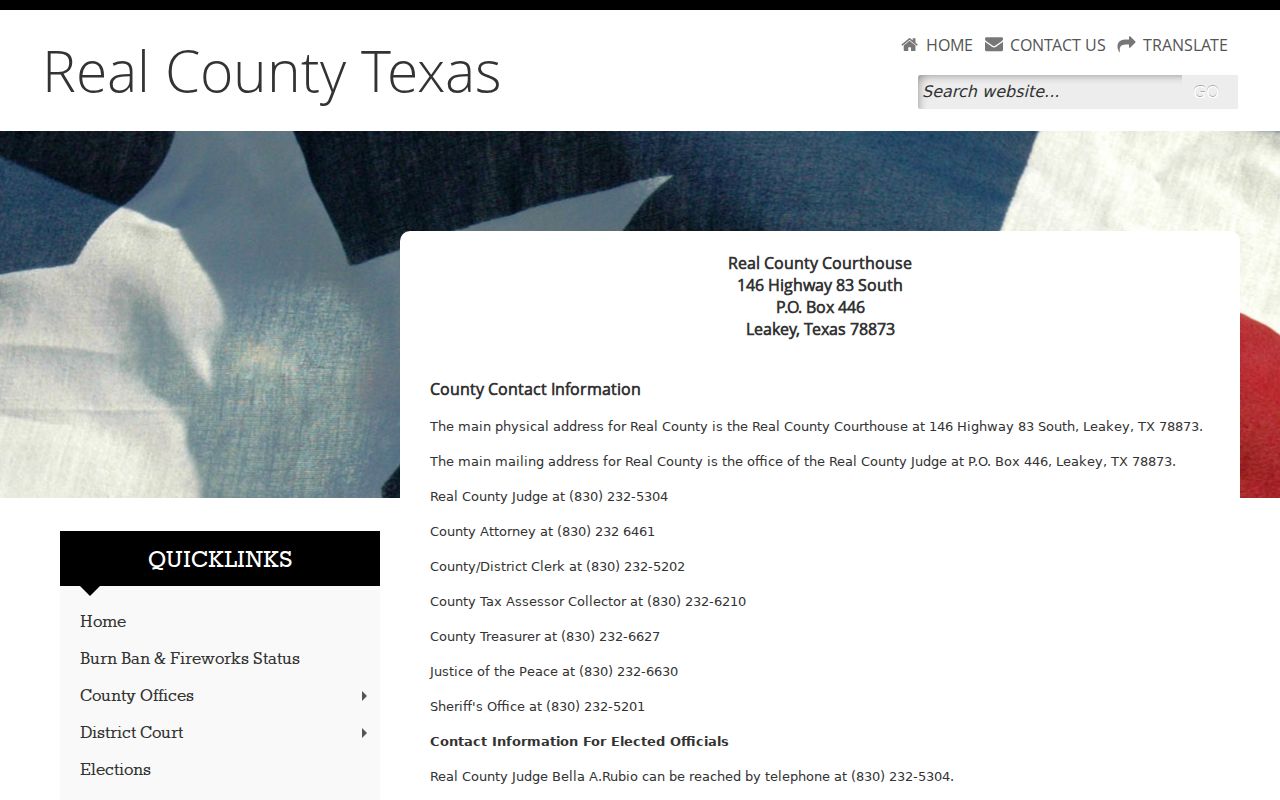
The page makes one thing plain: an administrative request is a fallback, and it cannot replace a certified court copy of a Real County case record.
Sealed Records and Public Access
Texas law treats court and judicial records differently from ordinary agency information. The Texas Public Information Act does not override court-file rules. Government Code Section 552.0035 places judiciary information under rules adopted by the Supreme Court and other law. Rule 12 covers judicial administrative records. So for a document filed in a Real County case, the direct route is still the clerk. That clerk holds the case.
Key access rules:
Texas Rule of Judicial Administration 12 governs access to judicial records as the rule defines them.
Government Code Section 552.0035 distinguishes judiciary information from agency records.
Texas Rule of Civil Procedure 76a presumes covered civil records open and sets sealing standards.
When a docket search comes up empty, the cause could be the wrong court, a name spelled differently, older paper holdings, an unindexed file, or a restriction on access. Juvenile and confidential material carries extra safeguards. Ask the Real County custodian which access category applies before you go further. Do not go hunting for protected birth dates, addresses, Social Security numbers, or juvenile identities.
Real County's Ten-Day Estimate Rule
The formal county request path carries its own cost controls. Labor runs $15 per hour under the county schedule. That rate covers the work to locate, compile, manipulate, or reproduce information, and fifty or fewer standard paper pages carry no labor charge at all. Expect a bond, deposit, or prepayment if an estimate passes $100. Nonstandard formats can cost more than the standard-page rate.
Ten days matter here. A requester who does not answer a cost estimate within that window loses the request. The county treats it as withdrawn. Note that this is an estimate deadline only, not a promised delivery date. Keep your reply in writing. For a court file, ask the Real County clerk first whether the clerk-copy schedule applies instead.
Note: Confirm current fees and payment methods with the responsible Real County clerk before mailing money or relying on an online total.